Virtual Classroom
How to Mark Up PDFs with Adobe Acrobat
Learn how to mark up PDFs using Adobe Acrobat’s tools with practical techniques and tips to make your editorial workflow more efficient.
DATES
21.09.2026
TIME
9.00am–12.30pm
FORMAT
Virtual classroom via Zoom
WHAT'S INCLUDED
- 1 training session
- Completion certificate
- CIEP membership upgrade
PRICE
£185 + VAT
Why should I take this course?
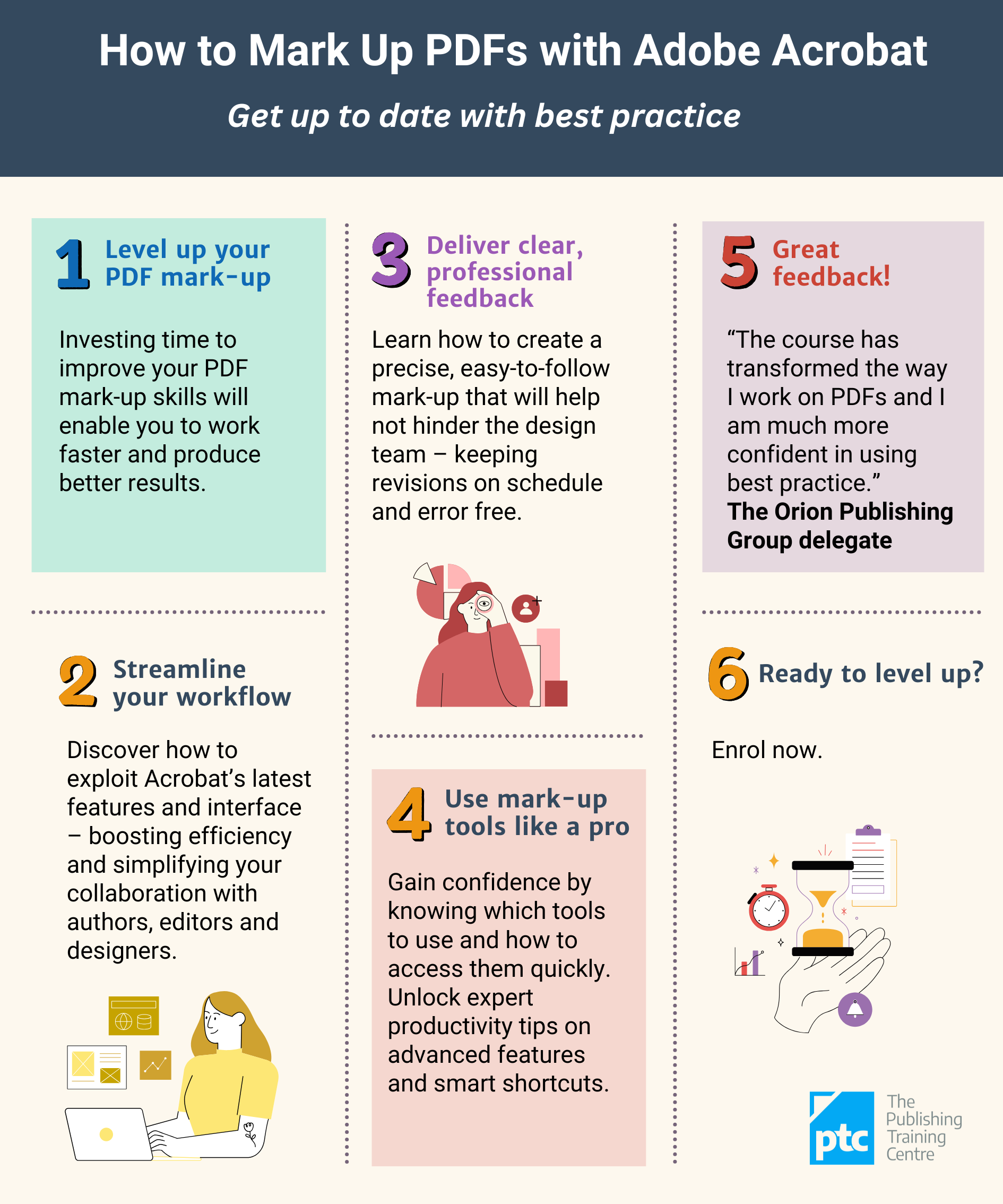
Bemused by the 2023 updates to Acrobat? Frustrated that everything takes longer and nothing is where it should be?
Don't worry – we have figured it all out and guarantee you will be able to work more efficiently than ever following How to Mark Up PDFs with Adobe Acrobat.
Don't worry – we have figured it all out and guarantee you will be able to work more efficiently than ever following How to Mark Up PDFs with Adobe Acrobat.
Ever wondered how to import comments from another PDF with a single click, filter your changes to easily find your queries, or help your designer apply your changes automatically? Look no further! How to Mark Up PDFs with Adobe Acrobat is packed with ideas to save you time and make your life easier. This course provides practical guidance, demonstrating the full potential of Adobe Acrobat’s mark-up tools and giving you tips to instantly improve your working practices. We will introduce good practice principles to help you work quickly, neatly and efficiently, and enable your design team to easily interpret, manage and implement your changes.
Designed to take you from novice to power-user, the course promotes active learning, using a blended approach of step-by-step demonstrations with opportunities to practise your new skills, ask advice during the session and check your understanding with summary quizzes. After the session, you will have access to handy summary sheets of the key skills you have learned.
Benefits
Control how you learn and progress
Who is it for?
Anyone in publishing who marks up PDFs and wants to work more efficiently, including:
Learning outcomes
On completing this course you will:
Programme
The half-day session covers:
Details
What you need to know
Delivery
The course is broken down into 2 x 1½-hour sessions plus break. Any information to be completed beforehand will be sent via email.
Zoom
You will need to activate a free Zoom account to join the course. This takes 2 minutes and does not require any payment. It is purely for administrative purposes.
Software
We strongly recommend you complete this course with 2 screens, unless you have a large monitor. This will enable you to watch the demonstrations while you follow along on your own screen. You will need access to a computer or laptop with a camera and microphone and with either Adobe Acrobat Reader DC (free version) or Adobe Acrobat Professional installed. Please check that you have the latest version of Adobe Acrobat Reader.
Chartered Institute of Editing & Proofreading (CIEP) membership upgrade
Completing this course counts towards the continuing professional development (CPD) requirement of a CIEP membership upgrade. For more information about upgrade criteria, visit the CIEP Membership Upgrade Hub.
About the trainer
Sarah Sodhi
Trainer
ABOUT SARAH SODHI
For over 25 years, Sarah Sodhi has proofed, tagged, bound, corrected, edited, managed, commissioned, subbed, scheduled, estimated and produced a great deal of content – from interactive, multi-media resources to marketing leaflets, from monthly magazines to 900-page medical tomes.
Starting her career at a small medical publisher in Oxford, Sarah produced medical textbooks, journals and a bi-monthly magazine. She then moved into the public sector to work for an adult education charity, introducing formal scheduling procedures, progress-chasing systems and detailed budgets. After this, she immersed herself in the education sector, editing and managing digital and print resources for primary, secondary and adult education publishers.

Copyright © 2026